Shareable
Find problems with your link previews before your audience does.
Shareable helps web teams check whether a public page has the Open Graph tags and metadata needed to create a clear, trustworthy preview on LinkedIn, Facebook, Slack and other platforms.
Your website looks great. Do the links you share?
You can spend a great deal of time and money creating a beautiful website. But when someone shares a page, it may appear with the wrong title, a missing image, an outdated description or even a broken link preview.
Shareable helps you find those problems before your audience does.
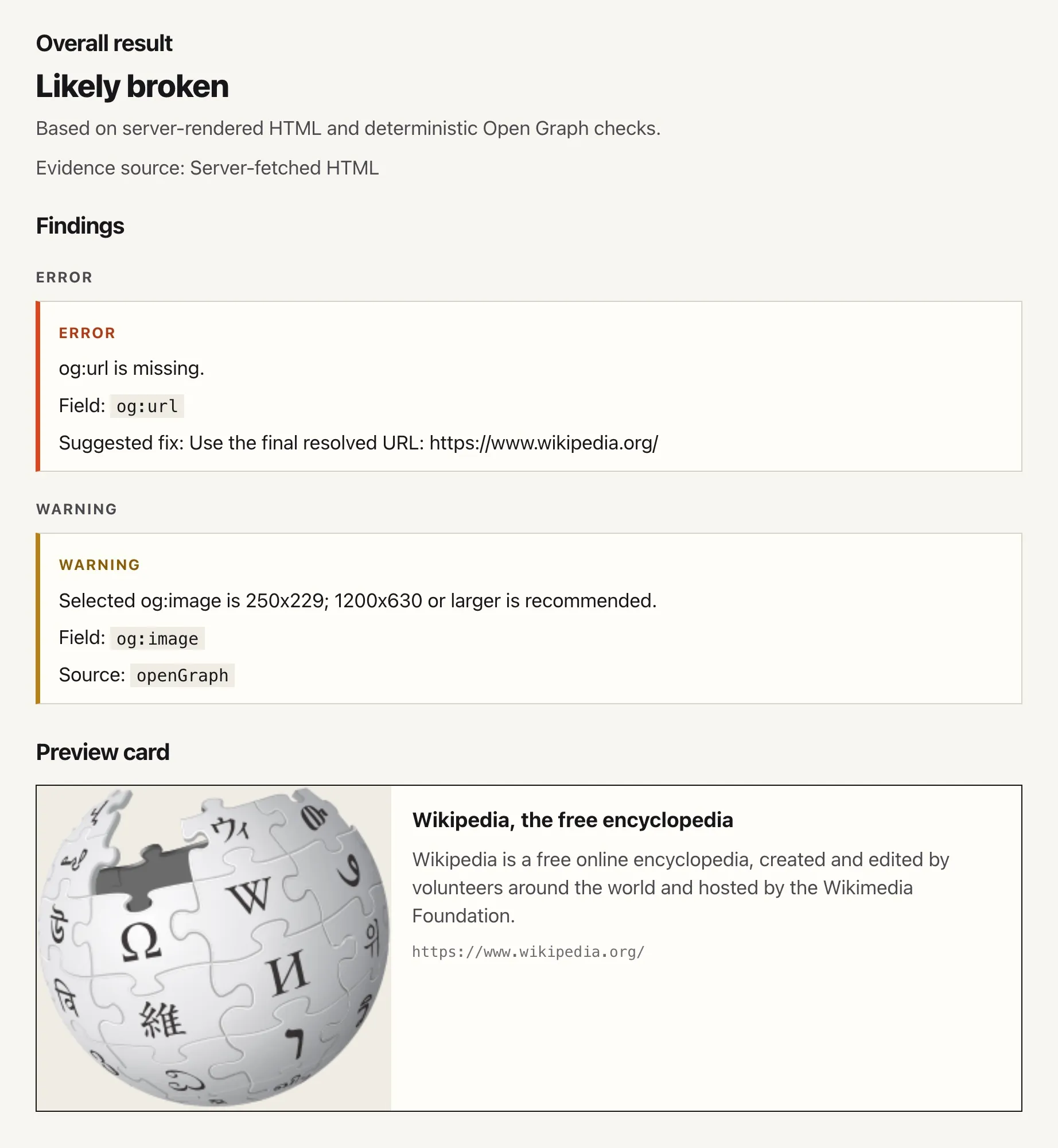
A clear result, not a wall of metadata
Shareable checks the page and turns its findings into a simple result:
- Looks good
- Needs attention
- Likely broken
You can see the expected title, description, image and URL, along with clear explanations of anything that may need fixing.
More than just Open Graph tags
Shareable reviews the information and behaviour that can affect how a public page appears when its link is shared.
- Checks Open Graph titles, descriptions, images and URLs
- Reviews fallback page titles and descriptions
- Highlights canonical and shared URL mismatches
- Flags missing, unsuitable or unreliable images
- Detects redirects and blocked page requests
- Identifies fetch problems that could prevent a preview from working
- Shows which source supplied each preview value
Common findings and what to do
A typical check: before you announce a new page, paste its URL into Shareable, read the verdict and fix anything it flags. These come up most.
- No usable og:image. Add an absolute HTTPS
og:imageURL pointing at a JPEG or PNG, 1200×630 or larger. Shareable also flags images that return an error, aren't images, are SVG or are over 5 MB. - The wrong title or description. Without
og:titleorog:description, a preview falls back to the page title and meta description. Shareable shows where each value came from and suggests the fallback as a starting point. - og:url and the canonical URL disagree. Shareable
compares
og:url, the canonical URL and the final URL after redirects. Point them all at the same address. - The check was blocked. Some sites challenge or block server requests. When a fetch looks blocked, run a browser-assisted check with the Shareable extension from the page itself.
Check, share and verify
Shareable reports can be saved using a private link, making it easier to pass findings between developers, testers, content editors and marketing teams. Saved reports are private by link for 30 days. Anyone with the link can view the report.
Check pages from your browser
The Shareable Chrome extension can run a browser-assisted check when a page cannot be fully inspected by the web app alone.
- Run a check from the page you are viewing
- Help inspect pages affected by browser-only behaviour
- Send limited diagnostic information to Shareable, only when you click it
Install the Shareable extension
The Shareable extension is in the Chrome Web Store. Add it to Chrome, then pin it from the Extensions menu so it's on your toolbar. Chrome keeps it up to date.
If you installed it from a ZIP before, remove that copy from
chrome://extensions first.
Privacy and support
Shareable checks publicly available page information and doesn't require an account. Don't use it on private, confidential or access-controlled pages. The browser extension sends the page URL and its share metadata, but not the full page HTML, cookies, browser storage or screenshots. Read the Shareable privacy statement.
Questions, bugs or ideas: hello@camas.dev.